Skip to content
All products

Inventory decisions for Wix Stores

ReplenishIQ: Wix inventory replenishment planning

Order what will sell. Before it runs out.

Turn sales velocity, stock, supplier lead time, MOQ, and case packs into a prioritized replenishment plan.

No provider token needed for the sample
No sample storage during preview
No live writes in first release
Explainable output with limits shown
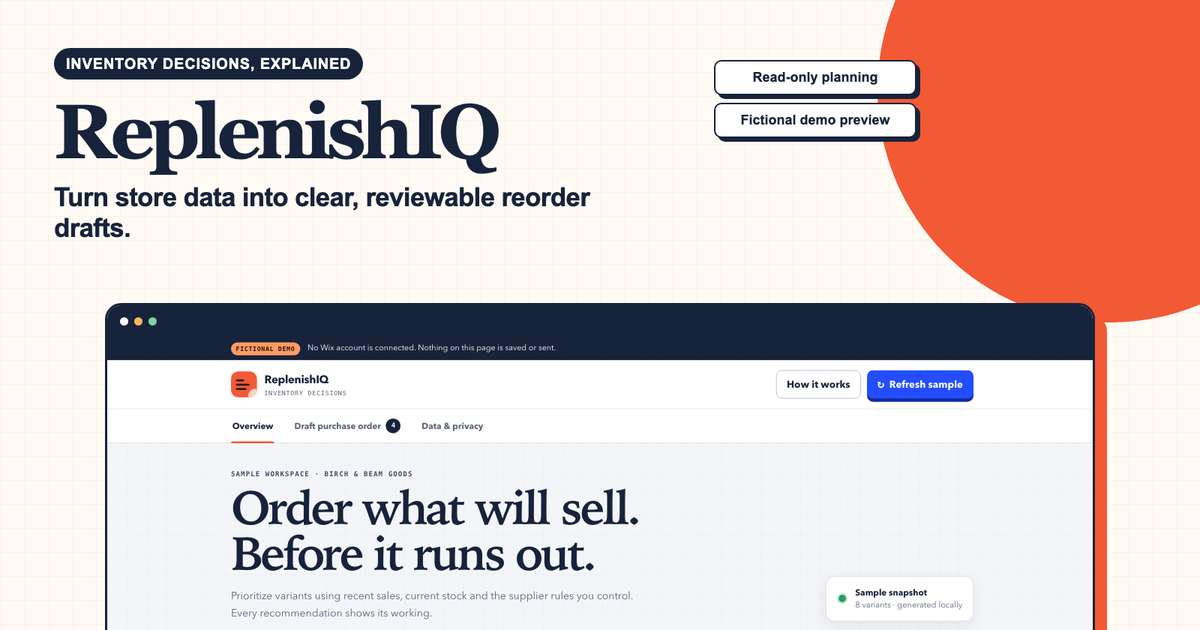
ReplenishIQ sample workspace showing a prioritized stockout and reorder overview.
Public sample interface · fictional data · no provider account connected

PURPOSE / BOUNDARY

What ReplenishIQ helps a team decide

Wix Stores operators and small commerce teams that need a reviewable reorder queue rather than another stock-count screen.

  • Combine on-hand and inbound stock with sales velocity, lead time, review period, safety stock, MOQ, and case pack.
  • Prioritize SKUs by projected stockout exposure and show the arithmetic behind each suggested quantity.
  • Prepare a human-reviewed replenishment plan without placing purchase orders or changing inventory.

BUYER CHECK / RECOGNIZE THE PROBLEM

When ReplenishIQ is worth evaluating

Signals the current process is breaking down

  • Fast-moving SKUs stock out while cash remains tied up in slower inventory.
  • Reorder sheets use sales averages but ignore supplier lead time, safety stock, MOQ, or case-pack rounding.
  • A buyer receives a suggested quantity without enough arithmetic to challenge or approve it.

Who it is for

Wix Stores operators and small commerce teams that need a reviewable reorder queue rather than another stock-count screen.

Who it is not for

Not for complex multi-echelon networks, autonomous procurement, or businesses that need promotion and seasonality forecasting in the first release.

FROM MANUAL REVIEW TO OUTPUT

A repeatable path to a decision

Why the current manual approach fails

A stock spreadsheet often separates sales pace from lead time and supplier constraints, so the person ordering must rebuild the logic row by row. ReplenishIQ keeps those inputs together, rounds against the actual purchasing rules, and shows why one SKU should be reviewed before another.

  1. Load the operating inputs

    Bring together stock, inbound units, sales velocity, lead time, review cadence, and supplier constraints.

  2. Calculate exposure

    Estimate the target position, projected shortfall, order quantity, cost, and revenue exposure for each SKU.

  3. Approve a queue

    Review the ranked recommendations and decide what should become a supplier order outside the preview.

READ-ONLY PREVIEW
NO ACCOUNT CONNECTION

INPUT / SAMPLE FIXTURE

Run the working analysis

Edit the sample if you want. This preview is processed in memory and is not saved.

No writes, payments, messages, or provider changes.

OUTPUT / EVIDENCE

00

No analysis yet

Run the supplied sample to see prioritized, explainable findings here.

USE CASES / HONEST LIMITS

Where the first release fits

Good first use cases

  • Prepare a weekly buying meeting with a ranked SKU queue.
  • Explain why an MOQ or case pack changed the raw reorder quantity.
  • Find products likely to stock out during the next supplier lead-time window.

Limits to review before buying

  • The sample uses average daily sales, not a promotion or seasonality model.
  • Recommendations are only as reliable as the stock, sales, and supplier inputs supplied.
  • The tool does not check supplier capacity, cash availability, expiry risk, or purchase-order status in the public preview.

SOURCE-BACKED CONTEXT

Verify the platform facts

Research snapshot: 22 July 2026. Wix’s official purchase-order documentation describes its native workflow and then-current regional availability. ReplenishIQ is intentionally positioned before purchase-order creation: it explains what to reorder and why, while current platform behavior is rechecked before every connected pilot.

CLEAR ANSWERS / BEFORE CONNECTION

Questions about ReplenishIQ

The public sample demonstrates the diagnostic rule system. Provider permissions and customer-specific coverage are verified before a connected pilot.

How does ReplenishIQ calculate a reorder suggestion?

The sample combines average daily sales with supplier lead time, the next review period, safety-stock days, current and inbound units, minimum order quantity, and case-pack rounding. The result includes the inputs needed to review the recommendation.

Does ReplenishIQ place purchase orders?

No. The public preview only creates a proposed, prioritized plan. Supplier messaging, purchasing, payment, and Wix inventory changes remain outside the first release until a paid pilot defines an approved workflow.

What data is needed for a useful result?

Each SKU needs a reliable stock position, recent sales velocity, supplier lead time, and purchasing constraints such as MOQ or case pack. Sparse or seasonal history should be reviewed by an operator rather than treated as a precise forecast.

Is ReplenishIQ a full demand-planning system?

No. It is a narrow replenishment decision tool for explainable near-term ordering. It does not claim to model promotions, complex seasonality, multi-echelon inventory, supplier capacity, or every cause of demand change.

PRACTICAL GUIDES

Explore the workflow before a pilot

PAID VALIDATION GATE

The connected edition opens after a feasibility review.

We verify API coverage, permissions, data retention, and the exact paid workflow before connecting production accounts. This keeps early customers out of an unsafe beta.

Indicative launch pricing: From $29 per store / month. Final scope, price, tax, deliverables, and refund terms are agreed before paid work begins.

Request a paid pilot review