What should a Wix inventory management app do?
A useful Wix inventory management app should do more than display the quantity currently in stock. For replenishment decisions, it should combine on-hand and inbound units with sales velocity, supplier lead time, review cadence, safety stock, minimum order quantity, and case-pack constraints. It should then explain which products need attention and how it calculated each suggested order.
Wix Stores already provides native inventory workflows. Wix maintains a current inventory-management help hub, and its purchase-order guidance explains how eligible merchants can prepare orders and receive inventory. A replenishment app fits before that operational step: it helps a buyer decide what quantity should go onto a purchase order and why.
Stock tracking and replenishment planning are different
Stock tracking answers questions about the present:
- How many units are recorded as available?
- Which variants are in stock?
- What changed after an order or inventory receipt?
- Which products are already low or unavailable?
Replenishment planning looks forward:
- Will the current stock last through the supplier lead time?
- When will the team review the item again?
- How much safety stock is appropriate for this planning rule?
- Does the supplier require a minimum quantity?
- Must the order be rounded to a full case?
- Which shortage should the buyer review first?
A store can have accurate stock counts and still place poor orders. The missing input may be lead time, demand pace, an inbound shipment, or a purchasing constraint. A strong app keeps those factors in the same calculation instead of forcing the buyer to reconstruct them across a dashboard and spreadsheet.
The minimum data for a reviewable reorder plan
For each SKU or variant, collect the following inputs.
On-hand stock
Use the best available count for units that can satisfy demand. Decide how reserved, damaged, returned, quarantined, or location-specific units are handled. An app cannot repair an unreliable stock count by applying a more sophisticated formula.
Inbound stock
Include confirmed quantities expected to arrive inside the planning window. An unapproved draft order is not the same as a dispatched supplier shipment. Record the boundary so the buyer can see what was counted.
Sales velocity
A simple model can use average daily sales over an agreed period. That value is an operating estimate, not a promise of future demand. Promotions, launches, stockouts, extreme orders, and seasonality can distort the average.
Supplier lead time
Lead time is the number of days from the ordering decision to usable stock arriving. If the supplier's range varies, choose and document a conservative rule rather than silently using the shortest recent delivery.
Review period
If buying happens weekly, the plan should cover the time until the next review as well as the lead time. Ignoring review cadence can produce a recommendation that is technically adequate on order day but short before the next buying session.
Safety stock
Safety stock protects against uncertainty in demand or delivery. A simple early-stage model may express it as days of average sales. That does not replace a statistically validated service-level model for complex operations.
MOQ and case pack
The minimum order quantity sets the smallest permitted purchase. The case pack determines valid increments. A recommendation for 76 units is not actionable when the supplier ships only cases of 12.
A simple calculation
One transparent rule is:
target units = average daily sales × (lead time + review period + safety-stock days)
Then:
raw shortage = target units − on-hand units − confirmed inbound units
If the shortage is positive, apply the supplier's MOQ and round upward to a full case pack. If it is zero or negative, the rule does not recommend an order.
This is deliberately understandable. A buyer should be able to reproduce the arithmetic and challenge an input. More complex forecasting is useful only when the data and operating process justify it.
Worked synthetic SKU example
Consider a synthetic product, SERUM-30, with:
- 12 units on hand;
- 0 confirmed inbound units;
- average daily sales of 3.4 units;
- 14-day supplier lead time;
- 7-day review period;
- 5 days of safety stock;
- MOQ of 24 units;
- case pack of 12 units.
The planning window is 26 days: 14 lead-time days, 7 days until the next review, and 5 safety-stock days.
The target is 3.4 × 26 = 88.4 units. Subtracting 12 on hand gives a raw shortage of 76.4 units. The order must be a full case, so the illustrative suggestion rounds upward to 84 units, or seven cases. That quantity is also above the MOQ.
The result should show all of that arithmetic. It should not simply label the product “high risk” and ask the buyer to trust a hidden score.
The buyer still has work to do. They may know that a promotion ended yesterday, that 24 units are in transit but missing from the source data, or that the supplier cannot ship this week. The app should support that decision, not impersonate it.
How to compare Wix inventory apps
Evaluate apps against the decision you need to make rather than the length of their feature list.
Does it use forward-looking inputs?
A low-stock threshold can be helpful, but it does not necessarily account for demand pace, lead time, inbound units, or the next review date. Ask which inputs actually change the suggested quantity.
Does it explain the recommendation?
The output should retain the values, formula, rounding rule, and reason an item was prioritized. If two buyers cannot reproduce the same result from the same inputs, the process will be difficult to govern.
Does it respect supplier constraints?
MOQ, case packs, supplier SKU, ordering cadence, and lead time belong in the calculation. A mathematically precise recommendation that cannot be ordered is not useful.
Does it distinguish a plan from an action?
A first release should make it clear whether it creates a proposal, drafts a purchase order, sends it, updates Wix inventory, or performs all four. These are different permission and risk boundaries. Human review is especially valuable before supplier communication or a live stock change.
Can you see missing or stale data?
An app should identify incomplete inputs and old observations. Treating a blank lead time as zero can make a risky item look safe. Unknown should remain unknown until someone supplies evidence.
Does it fit the store's scale?
A narrow weekly buying queue may be ideal for a small catalogue. It is not a replacement for multi-location allocation, promotion forecasting, expiry optimization, or multi-echelon planning. Buying the largest system is not automatically safer; the method needs to match the operation.
Weekly replenishment checklist
Use this sequence before turning recommendations into supplier orders.
- Confirm that Wix stock and variant mappings are current.
- Reconcile recent receipts, cancellations, returns, and known reservations.
- Add only confirmed inbound quantities with realistic arrival dates.
- Refresh sales velocity using a period appropriate to the item.
- Flag products affected by stockouts or unusual promotions.
- Verify supplier lead time, MOQ, and case pack.
- Review the calculated planning window and raw shortage.
- Round only after applying the agreed purchasing constraints.
- Rank items by the business consequence of delay, not only by unit shortage.
- Have a buyer approve, defer, or override each recommendation with a reason.
- Create or update the purchase order through the chosen operational workflow.
- Record what was ordered so the next plan does not count it incorrectly.
Native Wix workflow versus a planning app
The native and add-on roles can complement each other. According to Wix's current purchase-order documentation, the workflow can include selecting a supplier, adding catalogue products, entering quantities and cost information, saving a draft, marking it ordered, and receiving inventory. Availability and behavior can change, so verify the current help page for the store's market and setup.
A planning app should not claim that Wix has no inventory capability. Its value is narrower: create an explainable decision before someone fills in the quantity. That distinction also reduces permission risk. The analysis can remain read-only while the buyer completes supplier and inventory actions through an approved system.
Honest limits of a simple replenishment model
The calculation above does not model every cause of demand or supply variation. It may be unsuitable without extension when the operation needs:
- promotion and seasonal forecasting;
- per-location stock allocation;
- substitutions or product cannibalization;
- shelf-life and expiry optimization;
- supplier capacity and partial-delivery modeling;
- budget and cash-flow constraints;
- uncertain inbound probability;
- service-level optimization across thousands of items.
Even for a suitable store, outputs are only as reliable as the source data. A proposed quantity is a decision aid, not a guarantee that an item will sell or arrive on time.
What a useful output looks like
For every recommended SKU, keep:
- current and inbound stock;
- demand rate and observation period;
- lead time, review period, and safety-stock rule;
- target position and raw shortage;
- MOQ and case-pack adjustment;
- final proposed quantity;
- estimated purchase cost if a verified unit cost is available;
- warnings for missing or unusual inputs;
- the buyer's approval or override reason.
This creates a repeatable buying conversation instead of another unexplained alert list.
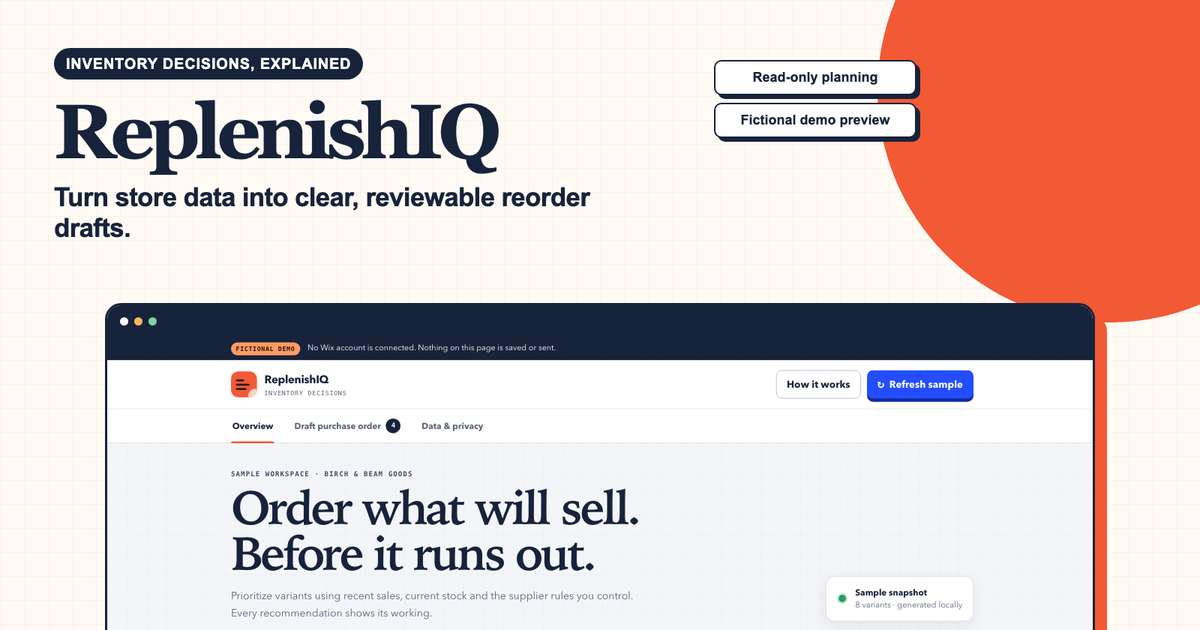
To test an explainable plan with synthetic SKU data, run the ReplenishIQ sample and use the same page to request a paid Wix-connected feasibility review. The sample does not place purchase orders or change store inventory.